Code Typing Practice for Developers: Mastering Symbols, Brackets & IDE Flow
Typing prose at 100 WPM does not stop bracket hesitations. Train real TypeScript, Python, Rust, and SQL syntax—curly braces, arrows, pipes, and camelCase—for fluid IDE flow.
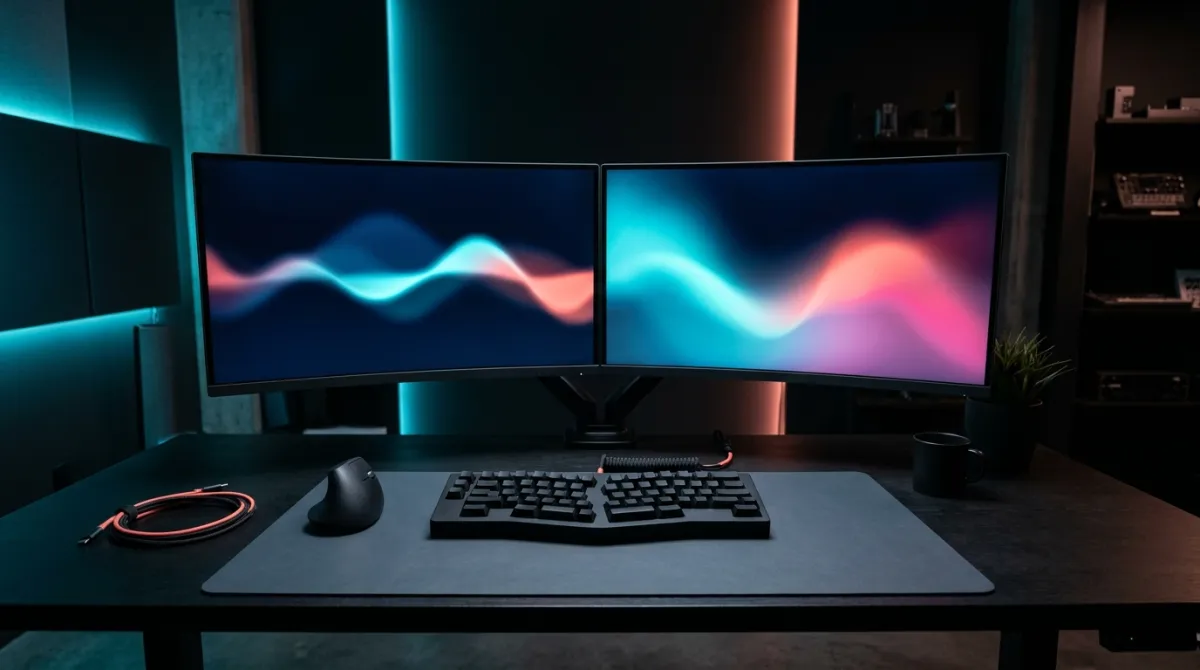
Software engineers rarely spend eight hours typing continuous paragraphs. Instead, we spend our days translating mental models into fragile chains of braces, colons, generics, arrow functions, pipe operators, and mixed-case identifiers.
Because standard typing tests skip {, }, [, ], =>, !==, _, and $, plenty of developers who cruise at 95 WPM in Slack drop straight down to 45 WPM—and start glancing down at the keyboard—the moment they write a TypeScript generic or shell pipeline. Every downward glance pulls attention out of the problem you are solving.
Why Prose WPM Does Not Transfer Automatically to Code
Look at the biomechanical load of real source code compared to normal English prose:
- High symbol density: In TypeScript, Rust, Go, or SQL, roughly 1 in every 4 keystrokes involves a symbol, shifted digit, or capital letter.
- Right-pinky overload: On ANSI QWERTY,
-,_,=,+,[,{,],},;,:,',",/, and?all cluster onto one outer column controlled by your weakest finger. - Zero predictive word chunks: Common English trigrams like
theandingvanish in favor of syntax patterns likeconst,async (,Record<,=> {,?., and::.
Practicing inside a dedicated code typing mode trains your hands on those exact syntax patterns instead of generic dictionary words.
The Five Symbol Families Every Engineer Should Automate
Instead of practicing random punctuation blindly, break developer typing down into five high-ROI mechanical groups:
| Syntax Group | High-Frequency Characters | Real IDE / Terminal Patterns | Primary Technique Fix |
|---|---|---|---|
| Scope & Containers | ( ) { } [ ] < > | ({ items }: Props) · Vec<T> | Opposite-hand Left Shift for { } < > |
| Arrows & Operators | => -> !== === && || | (x) => x.id !== null | Two-stroke motor chunking on => and !== |
| Naming Connectors | _ - . / | user_profile_id · api-v2/users | Clean right-pinky reach without twisting wrist |
| String & Template Tokens | ' " ` $ \ | `${baseUrl}/v1/${id}` | Left-hand 1/4 + right-hand {} pairing |
| CLI & Regex Punctuation | | ~ ^ * ? : | grep -rn "fn(" | sort -u | Dedicated 5-minute symbol-heavy drills |
Three Mechanical Upgrades for Faster IDE Flow
1. Always Use Left Shift for Right-Hand Symbols
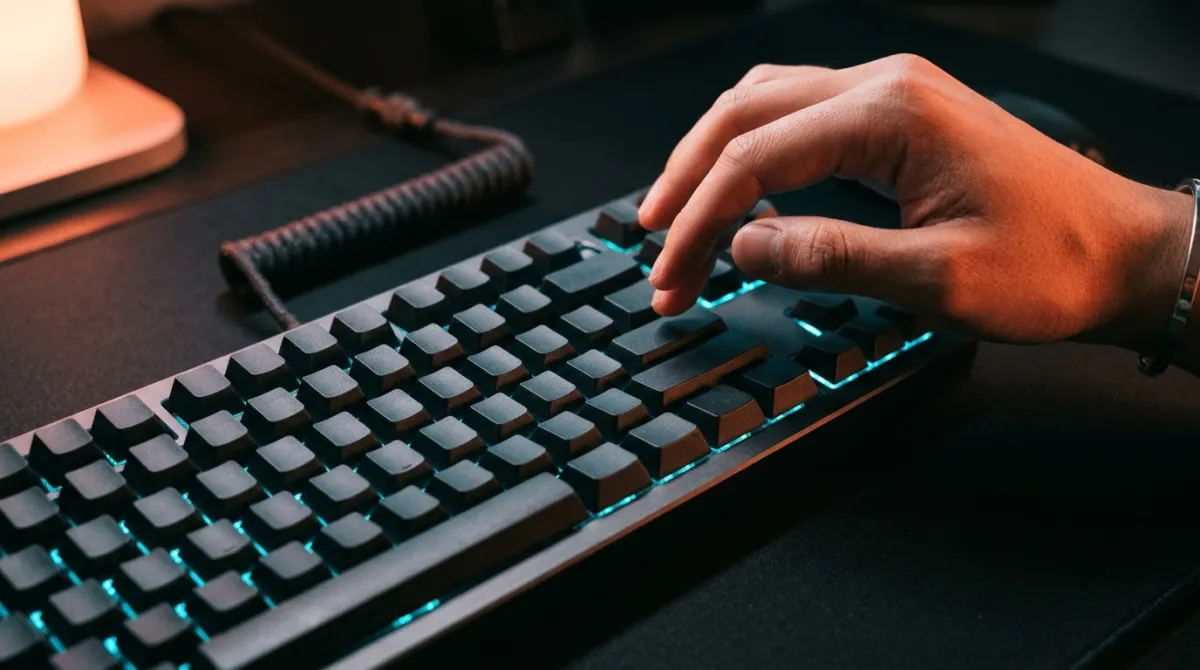
This single adjustment transforms coding comfort. Every curly brace ({, }), colon (:), double quote ("), plus (+), underscore (_), angle bracket (<, >), and question mark (?) sits on the right half of the keyboard. Hold Left Shift with your left pinky while reaching with your right hand—never contort your right wrist trying to pinch Right Shift and { on the same side.
2. Chunk Common Syntax Tokens Instead of Key-By-Key Typing
Just as prose typists treat -tion as one mental unit, strong coders execute const , return , => {, (): , </, and !== as unified rhythmic bursts. In WPM Duel Code Mode, focus on keeping spacing and operator rhythm smooth rather than hammering alphanumeric names fast and slamming the brakes before {.
3. Build Custom Drills From Your Actual Stack
Write Python data pipelines all week? Maintain Rust async services or complex Postgres CTEs? Paste a sanitized slice of your favorite language idioms into custom typing drills so your fingers memorize the exact token transitions you actually write every morning:
- TypeScript / React:
useEffect(() => { ... }, [deps]);and generic constraints<T extends Record<string, unknown>> - Python: list comprehensions
[x.strip() for x in rows if x]and snake_case kwargs - SQL / Shell:
SELECT COALESCE(a.id, b.id) FROM ...and pipedawk/jqflags
Hardware & Keymap Tweaks Worth Considering
You do not need a custom split keyboard to type code cleanly, though engineers who live in the terminal often gain real relief from two tiny remaps:
- Swap
Caps Lock→ControlorBackspace(orEscin Vim): Removes the worst left-pinky stretch in computing. - Keep wrists floating for right-pinky reaches: Sliding the whole right forearm 1.5 cm outward rather than bending the wrist sideways (
ulnar deviation) keeps_,+,{, and}effortless across eight-hour sprints.
Language-Specific Bottlenecks (and How to Clear Them)
Different stacks punish different fingers on standard ANSI and ISO keyboards. Knowing your language's signature friction points lets you focus drills where they actually pay off:
- TypeScript & JavaScript: Heavy reliance on
=>,{ },?:, backticks, and destructuringconst { a, b } = obj;. Train alternatingLeft Shiftholds for{and}immediately after(and)so callbacks flow cleanly without mid-line stutters. - Python & Data Science: Minimal curly braces, yet intense usage of underscores (
snake_case_variables), colons:, square brackets[i:j], and f-string braces. Smooth out-_reaches with your right pinky so variable names never stall. - Rust, C++, & Go: Double colons
::, pointer/reference tokens&mut, lifetimes'a, angle brackets<T>, and semicolons;. Alternate index and pinky strokes deliberately during warmup runs so turbofish::<T>and slice syntax feel effortless. - SQL & Shell Pipelines: Uppercase keyword habits (
SELECT,COALESCE,INNER JOIN), pipes|, hyphens--flag, and single vs. double quotes. Practice mixed-case transitions using opposite-handShiftrather than tappingCaps Lock.
A Weekly 30-Minute Developer Typing Tune-Up
You do not need daily hour-long drills to stay razor-sharp in your editor:
- Monday (10 min): Run three snippets in Code Mode focusing on 97%+ first-try accuracy on brackets and operators.
- Wednesday (10 min): Paste a tricky block from your current repository into custom typing drills and repeat it calmly until zero visual glances down occur.
- Friday (10 min): Unwind with two or three head-to-head rounds in a ranked 1v1 typing duel to keep general word chunking sharp alongside syntax control.
Start a 10-Minute Code Fluency Block
Open WPM Duel Code Mode right now and run two realistic syntax snippets while focusing strictly on 97%+ symbol accuracy. Add your trickiest brackets or regex characters inside custom drills, and once your symbol rhythm locks in, test your all-around composure in a live 1v1 typing duel.
Frequently asked questions
Does typing speed actually matter for software engineers?
Why do 100 WPM prose typists drop to 45 WPM when typing code?
Should programmers rely on IDE autocomplete or still learn fast symbol typing?
What is the hardest physical bottleneck on a standard QWERTY keyboard for coders?
How often should developers practice code typing drills?
Continue reading
All posts
Free 1-Minute Typing Speed Test: How Net WPM, Raw WPM & Accuracy Work
Understand exactly how 1-minute typing tests compute Gross WPM, Net WPM, CPM, and error penalties—plus how to test your real-world speed for free.
5 min
7 Science-Backed Habits of 150+ WPM Typists
Elite typists do not move their fingers three times faster—they buffer words ahead, fire motor chunks, protect 98% accuracy, and train weak keys under ranked pressure.
6 min

Best Monkeytype, TypeRacer & 10FastFingers Alternative for Ranked 1v1 Duels
Compare Monkeytype, TypeRacer, 10FastFingers, and WPM Duel side by side across ELO matchmaking, anti-cheat telemetry, structured lessons, and official exam modes.
5 min