Free 1-Minute Typing Speed Test: How Net WPM, Raw WPM & Accuracy Work
Understand exactly how 1-minute typing tests compute Gross WPM, Net WPM, CPM, and error penalties—plus how to test your real-world speed for free.

When you finish a 1-minute typing speed test, seeing two or three different numbers—Net WPM, Raw WPM, CPM, and Accuracy %—can feel confusing at first glance. Why does a 105 Raw WPM run drop to 86 Net WPM after just a few slips? And why do employers, schools, and competitive ladders always grade by Net WPM rather than raw speed?
Understanding the exact math behind typing speed scoring turns every 60-second run into actionable telemetry instead of a random number.
The Standardized 5-Character Word Rule
Typing tests do not simply count dictionary words separated by spaces. If one passage is packed with short words like "it is in the bag" while another contains "constitutional administrative accountability", raw word counts would swing wildly by 30% or more.
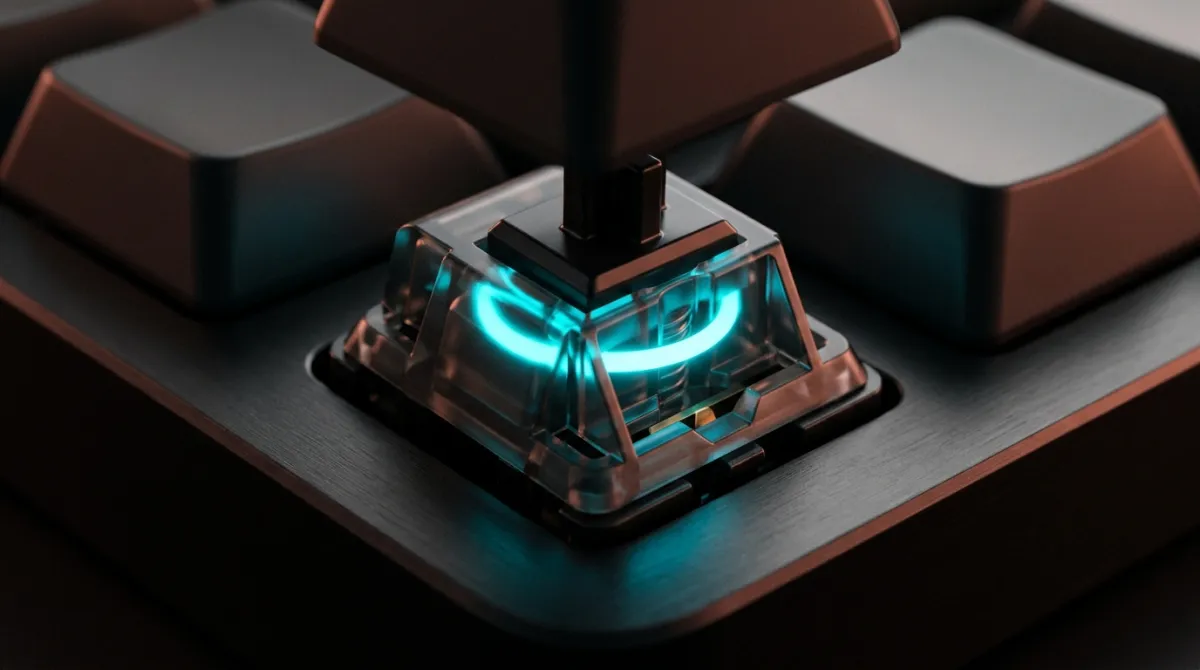
To make every run comparable, international typing standards define 1 standardized word = 5 keystrokes (including letters, spaces, capitals, and punctuation). That standardization gives us the core Gross / Raw WPM formula:
$$\text{Raw WPM} = \frac{\text{Total Typed Characters} \div 5}{\text{Elapsed Minutes}}$$
For a 1-minute test (Elapsed Minutes = 1.0), typing 375 total characters produces:
- CPM (Characters Per Minute):
375 - Raw WPM:
375 / 5 = 75 WPM
When you run a free 1-minute typing speed test, Raw WPM captures your mechanical ceiling—how fast your fingers struck keys regardless of whether every word landed cleanly.
How Net WPM Penalizes Mistakes
Raw throughput alone rewards mashing keys recklessly. Net WPM corrects that flaw by deducting uncorrected errors from your total output. While exact deductions vary slightly across legacy exam boards, modern online speed benchmarks typically subtract 1 error penalty per mistyped word or 5-character block:
$$\text{Net WPM} = \max\left(0,\ \frac{(\text{Total Characters} \div 5) - \text{Uncorrected Errors}}{\text{Elapsed Minutes}}\right)$$
Let us walk through a concrete 60-second example with two typists who both strike 400 characters (80 Raw WPM):
| Metric | Typist A (Clean Flow) | Typist B (Rushed Bursts) |
|---|---|---|
| Total characters typed (60s) | 400 | 400 |
| Raw WPM | 80 WPM | 80 WPM |
| Uncorrected errors | 1 | 9 |
| Accuracy % | 98.8% | 91.0% |
| Final Net WPM | 79 WPM | 71 WPM |
Even worse, Typist B probably hit Backspace several times before finishing, meaning their true unedited throughput was even lower. Clean runs keep Raw WPM and Net WPM tightly locked within 1 to 3 WPM of each other.
What Counts as Accuracy % vs. Consistency?
Accuracy and Net WPM measure different dimensions of keyboard control:
- Keystroke Accuracy % measures the share of total pressed keys that matched the target character on the first try (including corrected typos). If you type 400 keys and hit 12 wrong characters—even if you backspaced and fixed all 12—your accuracy drops to 97.0%.
- Net Accuracy / Word Accuracy measures how cleanly final submitted words matched the reference text.
- Consistency (CV%) measures how steady your speed stayed across every 5-second slice of the test. A typist who bursts to 110 WPM on easy words and crashes to 55 WPM on punctuation scores lower consistency than someone cruising smoothly at 82 WPM.
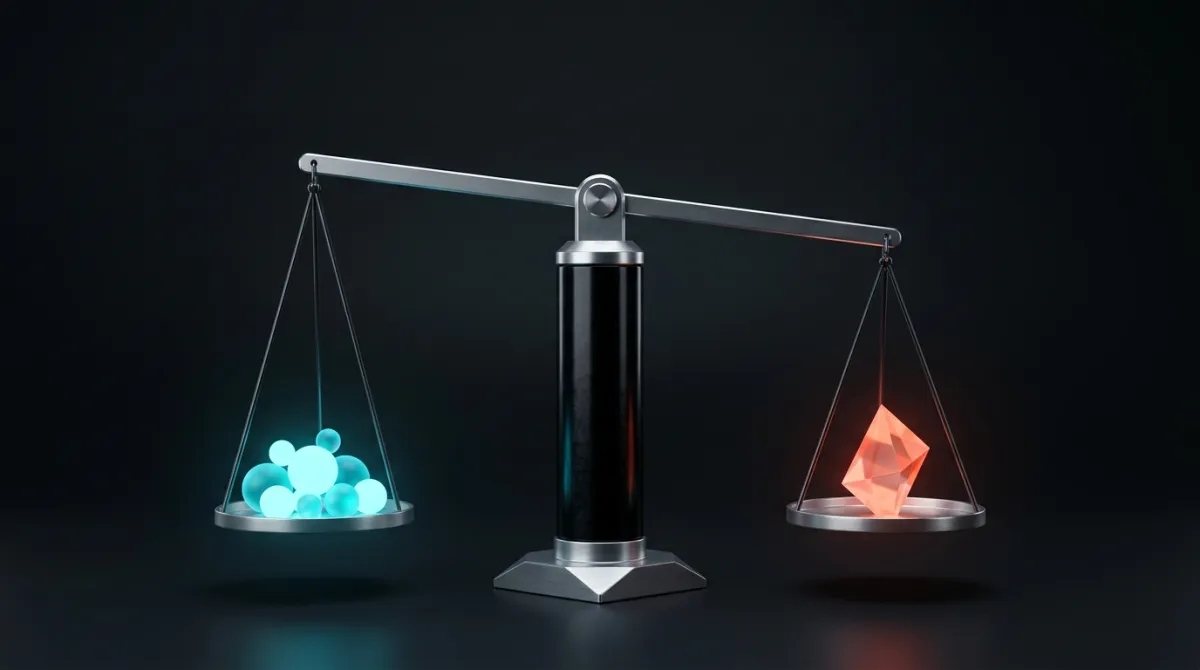
Watching the gap between your Raw WPM and Net WPM tells you immediately what to fix next:
- Gap of 0–3 WPM: You are typing cleanly—push pace slightly in Sprint mode to raise your ceiling.
- Gap of 6+ WPM: You are outrunning your look-ahead buffer—slow down 10% until accuracy returns above 97%.
Speed Benchmarks: Where Do Typical Typists Rank?
Checking your score against realistic percentiles helps set grounded targets:
| Net WPM Tier | Percentile Range | Real-World Profile |
|---|---|---|
| 25–39 WPM | Bottom 35% | Hunt-and-peck or partial finger habits |
| 40–54 WPM | Average (40th–60th) | Everyday office & casual computer user |
| 55–74 WPM | Above Average (65th–80th) | Proficient touch typist; passes civil service baselines |
| 75–99 WPM | Advanced (85th–94th) | Fast writers, engineers, legal & admin pros |
| 100–129 WPM | Elite (95th–98th) | Dedicated speed typists & competitive racers |
| 130+ WPM | Top 1–2% | Grandmaster tier on the global leaderboard |
How to Get an Accurate 1-Minute Test Reading
To make sure your benchmark reflects real skill instead of a fluke:
- Test on realistic prose first: Include normal capitalization and punctuation, not just lowercase top-100 word loops.
- Take the average of three runs: Any single 60-second prompt can skew 5–8 WPM higher or lower depending on tricky letter clusters.
- Compare 60s vs. 180s: A 60-second score measures peak cruising speed; a 3-minute run tests forearm relaxation and sustained concentration.
Why Different Typing Websites Show Slightly Different WPM Scores
Have you ever scored 92 WPM on one website and 76 WPM two minutes later on another? Three legitimate scoring variations explain almost every discrepancy:
- Word pool difficulty: Repeating the 200 shortest English words produces inflated scores roughly 12–18% higher than literary prose or technical reports containing multi-syllable words, capitals, and quotation marks.
- Strict vs. lenient Backspace penalties: Some platforms deduct only uncorrected errors from Net WPM, while traditional exam engines also deduct fixed penalties per wrong word regardless of correction attempts.
- Timer start trigger: Modern tests start the clock on your very first keystroke rather than immediately on page load, ensuring you never lose two seconds orienting your hands on
FandJ.
Knowing those differences helps you benchmark apples-to-apples—compare your progress against yourself under consistent punctuation and duration settings rather than chasing inflated top-200 numbers.
Turning Your 1-Minute Test Into Faster Weekly Progress
Once you record an accurate Net WPM and accuracy baseline, do not simply hit retry twenty times in a row hoping luck raises your score. Use a simple diagnostic loop instead:
- If Accuracy < 96%: Drop pace by 10% for three days until Net WPM catches up to Raw WPM cleanly.
- If Accuracy >= 98%: Push slightly past comfort in 60-second Sprint mode bursts to wake up faster bigram chunking.
- Every 7 days: Compare your three-run average against last week's median and check how your speed stacks up against active players on the global leaderboard.
Ready to see your exact numbers? Launch our free 1-minute typing speed test to inspect your live Net WPM, Raw WPM, and accuracy profile, test your burst composure in Sprint mode, and track how high you climb on the WPM Duel leaderboard.
Frequently asked questions
What is the difference between Gross (Raw) WPM and Net WPM?
Why does 1 word always equal 5 characters in typing tests?
Is a 1-minute typing test long enough to measure real skill?
Does hitting Backspace lower my Net WPM?
What is considered a good WPM score on a free online test?
Continue reading
All posts
Code Typing Practice for Developers: Mastering Symbols, Brackets & IDE Flow
Typing prose at 100 WPM does not stop bracket hesitations. Train real TypeScript, Python, Rust, and SQL syntax—curly braces, arrows, pipes, and camelCase—for fluid IDE flow.
5 min
7 Science-Backed Habits of 150+ WPM Typists
Elite typists do not move their fingers three times faster—they buffer words ahead, fire motor chunks, protect 98% accuracy, and train weak keys under ranked pressure.
6 min

Best Monkeytype, TypeRacer & 10FastFingers Alternative for Ranked 1v1 Duels
Compare Monkeytype, TypeRacer, 10FastFingers, and WPM Duel side by side across ELO matchmaking, anti-cheat telemetry, structured lessons, and official exam modes.
5 min